Customer Login  |  Blog  | info@csbscopiers.com
Service Requests
Common Sense Business Solutions
  • Copiers
    • New Color Copiers
    • New Black & White Copiers
    • Pre-Owned Color Copiers
    • Pre-Owned Black & White Copiers
    • Desktop Copiers
    • 100% Percent Guaranteed Copiers
  • Copier Pricing
    • FREE Buy vs Lease Guide
    • 10 Money Saver Tips
    • Lease vs Buy – Things to Consider
    • Copier Lease vs Buy Analysis
    • Copier Rental
  • Industries
    • Accounting
    • Architects
    • Churches
    • Construction
    • Health Care
    • Legal Industry
    • Real Estate
    • Restaurants
    • Wineries
  • Service Areas
    • Cloverdale Copiers
    • Healdsburg Copiers
    • Petaluma Copiers
    • Rohnert Park Copiers
    • Santa Rosa Copiers
    • Sebastopol Copiers
    • Sonoma Copiers
    • Windsor Copiers
    • Novato Copiers
    • San Rafael Copiers
    • Sausalito Copiers
    • Calistoga Copiers
    • Napa Copiers
    • St. Helena Copiers
    • Ukiah Copiers
  • About Us
    • Environmental Impact
    • Charitable Partners
    • Go Local
  • Support
    • 100% Percent Guaranteed Copiers
    • Copier Service
    • Technical Support Videos
    • FAQ
    • Downloads
  • Customer Reviews
    • Case Studies
    • Video Reviews
    • Testimonial Letters
  • Contact Us
  • (707)528-2151
Select Page
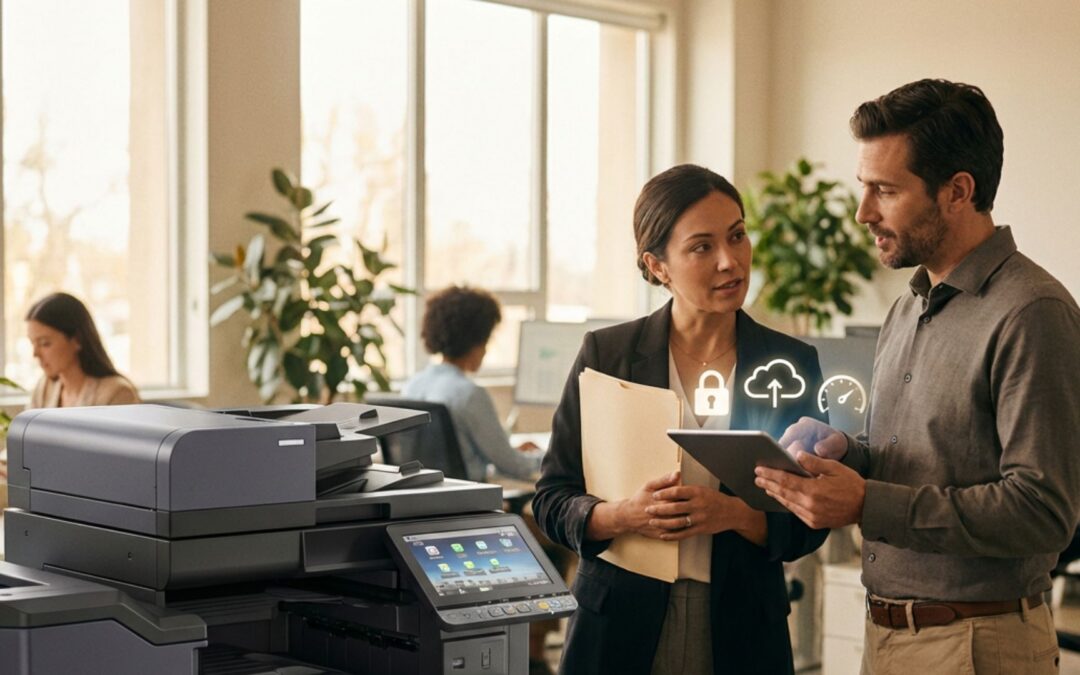
How Leasing Konica Minolta Multifunction Devices Supports Rapid Tech Upgrades

How Leasing Konica Minolta Multifunction Devices Supports Rapid Tech Upgrades

by CSBS Team | Jan 9, 2026 | Cyber Security, Konica Minolta, Leasing, Small Business

“Time is money.” This old saying is very true, especially in fast-paced markets such as technology. Every minute you spend dealing with a printer that isn’t working or going without a copier due to malfunctions, that’s a minute your productivity is dropping. That, in...
Why Should I Upgrade My Office Copier?

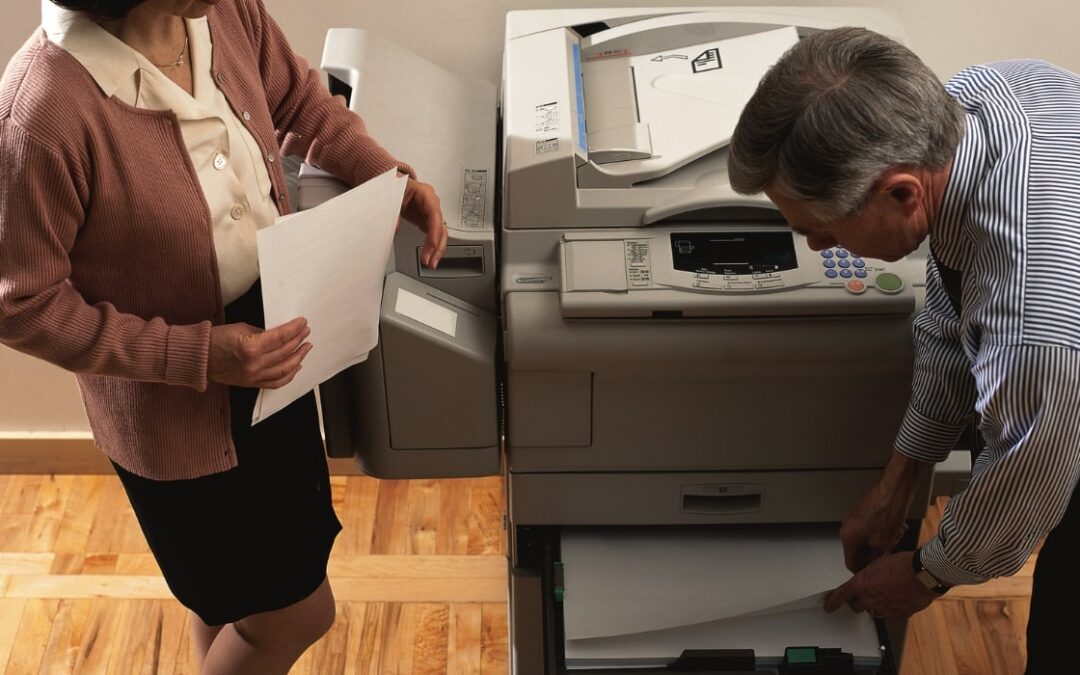
Why Should I Upgrade My Office Copier?

by CSBS Team | Jun 5, 2025 | Business Copiers, Copiers & More, Konica Minolta, Leasing

Technology is always changing, with new options and more energy-efficient methods hitting the market regularly, your office technology can quickly become outdated. This includes your copier. While it may seem like office copiers haven’t change that much, they actually...

The Pros and Cons of Color vs Black and White Copiers: Which Is Right for You?

The Pros and Cons of Color vs Black and White Copiers: Which Is Right for You?

by Ross Wiffler | Mar 16, 2023 | Color Copiers, Color printing, Konica Minolta, Office Printers

The single most fundamental question you can ask yourself when evaluating or planning your business printing options is – should I print in color or black and white? Anytime your business evaluates and updates its print plan, it is an opportunity to streamline,...

4 Helpful Tips When Installing Print Driver for Konica Minolta C300i or Konica Minolta C360i

4 Helpful Tips When Installing Print Driver for Konica Minolta C300i or Konica Minolta C360i

by Ross Wiffler | Sep 21, 2022 | Konica Minolta

In a perfect world, businesses and technology would play together like they were the best of friends. Unfortunately, the world is far from perfect. Sometimes the technology consumers and business owners rely doesn’t want to play nicely with all of the other gizmos we...

4 Ways To Get Your PC to Print to Your Konica Minolta Bizhub

4 Ways To Get Your PC to Print to Your Konica Minolta Bizhub

by Ross Wiffler | Jul 14, 2021 | Bizhub, Konica Minolta

There are many ways to bridge the gap between your workstation – whether on a desk or your lap – and a multifunction printer (MFP), they each come with their own methods and caveats. Direct Connection with Cable Wi-Fi Print Sharing Tools in the OS Network...
Choosing the Right Konica Minolta Printer Driver & How to Install it

Choosing the Right Konica Minolta Printer Driver & How to Install it

by Ross Wiffler | Jun 12, 2021 | Konica Minolta

What print driver do I download for my Konica Minolta MultiFunction Printer (MFP) PCL, or PS? What’s the difference anyway? What Is A Printer Driver and What Does It Do? A “driver” is a small application that translates. When added to your computer it translates your...
« Older Entries
Next Entries »

Common Sense Business Solutions

2208 Northpoint Parkway
Santa Rosa, CA 95407
info@csbscopiers.com


(707) 528-2151


BizHub Demonstration Video:


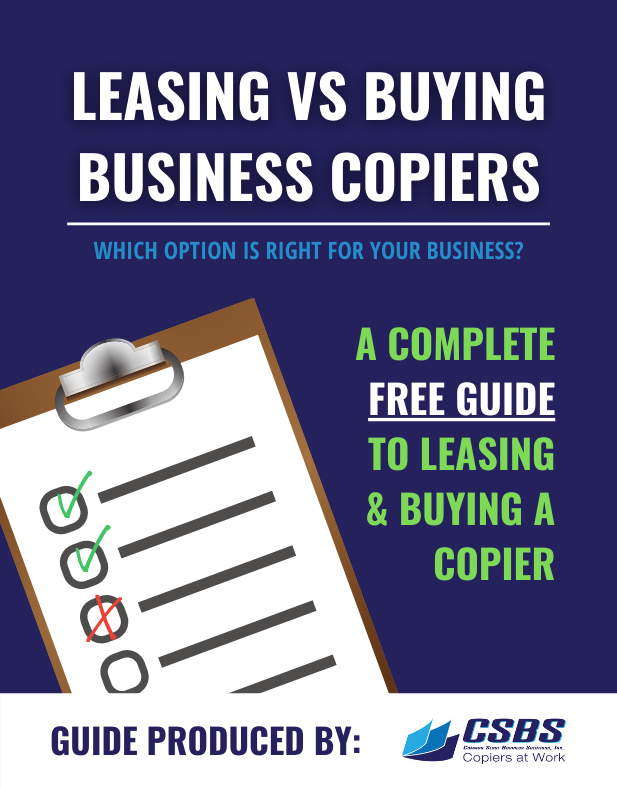
Free Guide: Lease or Buy?

CSBS guide on choosing the best copiers for your business

It’s a tough decision! Let us help. Download this Free Guide that will help you find the right decision for your business.

Free Download

Recent Posts

  • What’s New in Konica Minolta’s 2026 Lineup—And Why Leasing Makes Sense
  • How Leasing Konica Minolta Devices Enhances Remote and Hybrid Workflows
  • Upgrading Office Technology Without the Hassle: The Leasing Experience Explained
  • Flexible Leasing Options for Seasonal Businesses: The Konica Minolta Advantage
  • Maximize Your IT Budget: Leasing Konica Minolta for Healthcare Practices

Categories

  • Bizhub
  • Business Copiers
  • Bypass Tray
  • Carbon Footprint
  • Case Studies
  • Certification
  • Color Copiers
  • Color printing
  • Copiers & More
  • Cyber Security
  • Data Protection
  • Go Local
  • Going Green
  • Green Business
  • HIPPA
  • Ink
  • Konica Minolta
  • Leasing
  • Maintenance
  • Mobile Printing
  • Off-Lease Copiers
  • Office Printers
  • Print on Demand
  • Printer Cartridges
  • Printing Marketing Materials
  • Scanning
  • Small Business
  • Testimonial letters
  • Testimonials
  • Uncategorized

Our Location

map

Common Sense Business Solutions
2208 Northpoint Pkwy
Santa Rosa, CA 95407
(707) 528-2151

We Proudly Serve

  • Healdsburg
  • Petaluma
  • Rohnert Park
  • Santa Rosa
  • Windsor
  • Novato
  • Ukiah
  • Sebastopol
  • Cloverdale
  • Napa
  • San Rafael
  • Sonoma
  • Calistoga
  • Sausalito
  • St. Helena

Recent Posts

  • What’s New in Konica Minolta’s 2026 Lineup—And Why Leasing Makes Sense
  • How Leasing Konica Minolta Devices Enhances Remote and Hybrid Workflows
  • Upgrading Office Technology Without the Hassle: The Leasing Experience Explained
  • Flexible Leasing Options for Seasonal Businesses: The Konica Minolta Advantage
  • Maximize Your IT Budget: Leasing Konica Minolta for Healthcare Practices

Need Help? Scan for Help Desk Support

Check out our instructional videos to resolve many common copier issues.

Need an expert? Scan the code below to contact us for service.

Help Desk Support QR Code

  • Opt-out preferences
  • Accessibility
  • Privacy Policy
  • Contact Us
  • Imprint
  • Facebook
  • RSS
©2026 Common Sense Business Solutions | 2208 Northpoint Pkwy, Santa Rosa, CA 95407 | (707) 528-2151
Manage Consent
To provide the best experiences, we use technologies like cookies to store and/or access device information. Consenting to these technologies will allow us to process data such as browsing behavior or unique IDs on this site. Not consenting or withdrawing consent, may adversely affect certain features and functions.
Functional Always active
The technical storage or access is strictly necessary for the legitimate purpose of enabling the use of a specific service explicitly requested by the subscriber or user, or for the sole purpose of carrying out the transmission of a communication over an electronic communications network.
Preferences
The technical storage or access is necessary for the legitimate purpose of storing preferences that are not requested by the subscriber or user.
Statistics
The technical storage or access that is used exclusively for statistical purposes. The technical storage or access that is used exclusively for anonymous statistical purposes. Without a subpoena, voluntary compliance on the part of your Internet Service Provider, or additional records from a third party, information stored or retrieved for this purpose alone cannot usually be used to identify you.
Marketing
The technical storage or access is required to create user profiles to send advertising, or to track the user on a website or across several websites for similar marketing purposes.
  • Manage options
  • Manage services
  • Manage {vendor_count} vendors
  • Read more about these purposes
View preferences
  • {title}
  • {title}
  • {title}