
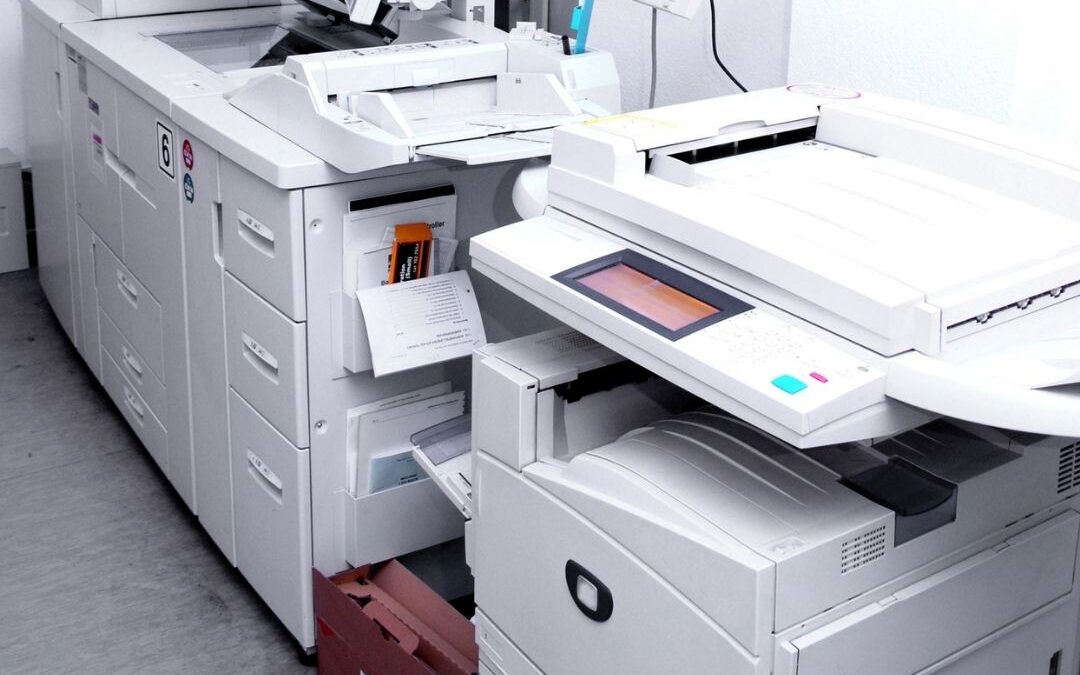
Copy machines are a big investment for your business. To protect the valuable equipment you rely on, it’s important to keep up with routine copy machine repair and maintenance. Failing to properly maintain your copy machine is a sure recipe for disaster. Once your copy machine goes down, you’ll be stuck dealing with low productivity, missed deadlines, or other headaches. Avoid the whole problem by following a few simple tips and tricks for copy machine repair and maintenance.
Sign up for managed print services
 Managed print services are a great way to stay on top of copy machine repair and maintenance. These types of services are usually offered by your local copy machine experts and they can help you deal with all sorts of copy machine issues. For instance, managed print services can help you select and install the right copy machine and reorder toner as needed over the life of your device. Even more helpful, managed print services can come to your office to take care of routine maintenance, such as cleaning your machine and replacing moving parts. This will help you avoid major copy machine repair down the road. In the event of a major malfunction, a local copy machine expert can usually show up at your office within 24 hours to get you back on track.
Regular copy machine care
Although managed print services can do a great deal to protect your machine, you can also do plenty of things on your own to prevent the need for major copy machine repair. It would be smart to get into a weekly routine of inspecting and cleaning your copy machine. When you do this, inspect the paper drawers and other moving parts for signs of wear and tear. Use compressed air or a vacuum cleaner to remove dust and paper particles. Refill the staples if needed and empty the caddy that collects chads from the hole puncher. Also, use the cleaning cloth that came with your device to carefully wipe off the copier glass. This can help reduce minor imperfections in the image quality of your printed documents.
DIY copy machine repair
Despite your preventative efforts, copy machines can still break down on occasion. Most major copy machine repair will probably need to be handled by a professional. If you try to do it yourself, you risk further damaging the machine or voiding your warranty. However, small scale copy machine repair may be something you can handle quickly and easily on your own.
Copy machine repair and maintenance is a necessary evil for small businesses that rely on these expensive devices. Contracting with your local copy machine experts for managed print services is a great way to handle repair and maintenance. Getting into a weekly habit of cleaning and inspecting your machine will help you catch small issues before they become big. Although major copy machine repair is probably best left to the experts, be sure to contact us so we can show you how to take care of little problems that arise.

2026 Update: Why Preventive Copier Maintenance Is More Important Than Ever
Think your copy machine is “fine” because it still prints? That’s exactly what many businesses thought—right before a paper jam turned into a service call and an expensive repair bill. In 2026, modern multifunction printers and business copiers are smarter than ever, but they’re also more sensitive to neglected maintenance. Dust buildup, worn feed rollers, outdated firmware, and inconsistent toner quality can quietly reduce print quality long before a complete breakdown happens. Instead of waiting for copier troubleshooting to become an emergency, schedule preventive maintenance and monitor your copier’s performance regularly. A few minutes of routine care can significantly extend your copier’s lifespan, reduce office downtime, and keep document workflows running without interruption.
Smart Copier Repair Starts with Better Monitoring
One of the biggest shifts in office equipment maintenance is the use of predictive diagnostics. Many commercial copiers can now detect unusual operating patterns before they become costly failures. Don’t ignore warning messages or recurring paper jams simply because the machine eventually clears itself. Those small annoyances often point to worn components that a qualified copier technician can replace before they affect productivity. Businesses that combine scheduled copier service with genuine toner replacement, regular cleaning, and software updates experience fewer unexpected repairs, better print quality, and lower long-term operating costs. The goal isn’t just fixing problems—it’s preventing them from disrupting your business in the first place.
Keep Your Business Productive with a Proactive Maintenance Plan
The most successful organizations don’t wait until the copier stops working—they treat copier maintenance as part of their overall business continuity strategy. Whether you rely on a single office printer or a fleet of multifunction devices, creating a maintenance schedule helps protect your investment while improving daily efficiency. Partnering with a trusted copier repair provider also gives you access to expert recommendations, faster response times, and managed print services that reduce unnecessary expenses. In today’s competitive workplace, reliable office equipment isn’t a luxury—it’s a productivity tool. A proactive maintenance plan ensures your business copier stays dependable, your employees stay productive, and your customers never notice the technology working behind the scenes.
FAQ: Copy Machine Repair and Maintenance
1. How often should I service my copy machine?
It’s recommended to service your copy machine every 3-6 months, depending on usage. High-volume offices may need more frequent maintenance. Regular servicing helps extend the machine’s life, reduces repair costs, and ensures optimal performance. By staying proactive, you can prevent common issues like paper jams or toner buildup that can slow down productivity. A study by Quocirca found that companies that regularly service their equipment save up to 30% in repair costs annually.
2. Can I perform basic copy machine maintenance myself?
Yes, basic maintenance such as cleaning the glass, checking for paper jams, and refilling paper trays can easily be done by users. You should also replace toner cartridges and refill staples regularly. However, for more complex issues like replacing internal parts, it’s best to call a professional. Small upkeep tasks can prevent larger problems and ensure smoother operation between service visits.
3. What are the benefits of managed print services for copy machines?
Managed print services (MPS) take the stress out of copy machine maintenance by handling everything from toner replacement to repairs. They offer regular inspections, automatic supply deliveries, and priority service for any technical issues. With MPS, you can reduce downtime and keep your business running smoothly. According to Gartner, businesses using MPS see a 10-30% reduction in print-related costs.
4. How do I troubleshoot common copy machine issues?
If your copy machine isn’t working properly, start by checking for paper jams or low toner levels. If the print quality is poor, clean the scanner glass and replace any worn-out components like the drum or toner. If these steps don’t work, it might be time to call a technician. Small issues, like streaks on printed pages, can often be resolved with quick maintenance, but more significant problems may require expert intervention.
5. What should I do if my copy machine keeps jamming?
Frequent paper jams are often caused by using the wrong paper size or low-quality paper. Make sure you’re loading the correct paper type and checking for obstructions inside the machine. Regularly cleaning the paper feed rollers can also help prevent jams. If the problem persists, it may indicate worn-out parts that need professional attention.
6. How long does the average copy machine last?
A well-maintained copy machine typically lasts around 5-7 years. This lifespan can be extended with routine care and maintenance, ensuring that all parts are functioning optimally. High-end machines used in large offices may last longer, but heavy usage can reduce the machine’s longevity if not properly serviced.

7. Is it better to repair or replace my copy machine?
It depends on the age and condition of your machine. If it’s nearing the end of its 5-7 year lifespan or if repair costs are more than half the cost of a new machine, replacement might be the better option. However, if the issue is minor or the machine is relatively new, a repair is often more cost-effective.
8. What is the cost of repairing a copy machine?
The cost of repair depends on the complexity of the issue. Minor repairs, such as fixing a paper jam, may cost between $100 and $200. More extensive repairs, like replacing internal parts, can run from $300 to $600. Managed print services can reduce unexpected repair costs, as they often include maintenance in the service agreement.
9. How can I improve the lifespan of my copy machine?
Regular maintenance, using high-quality paper and toner, and avoiding overloading the machine are simple ways to extend its lifespan. Schedule professional servicing every few months to catch any potential issues early. By taking these steps, you can ensure your copy machine operates efficiently for years.
10. What are the environmental benefits of keeping my copy machine well-maintained?
Proper maintenance helps your copy machine run more efficiently, reducing energy consumption and waste. Machines that are regularly serviced use less toner and paper, lowering your environmental footprint. Many companies offering managed print services focus on sustainability by recycling used cartridges and encouraging energy-efficient practices. According to EPA, offices that maintain their equipment properly can reduce waste by up to 50%.